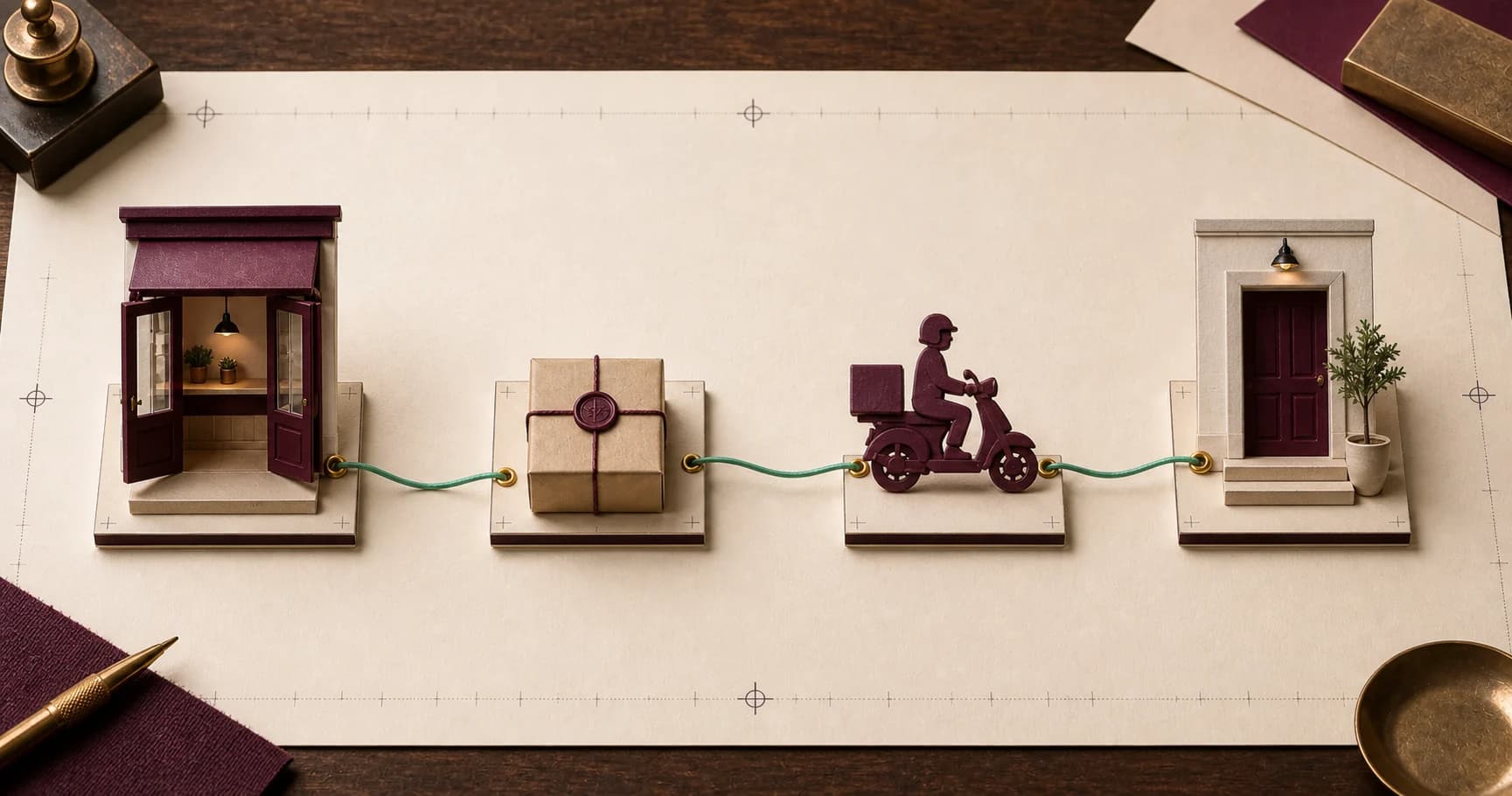
The store creates the order
The order contains the recipient, address, amounts, and required delivery information.

How it works
Every delivery starts with an order created by the store and ends with a confirmed outcome.
The process
Statuses follow real operational events, while the full order history stays in one place.
The order contains the recipient, address, amounts, and required delivery information.
The QR code confirms the right parcel and starts its operational movement.
Transit, postponement, and other changes are recorded in the order history.
Final status and time close the delivery and remain available for reporting.
Partners receive operational notifications in a shared inbox.
Reports use orders, status history, amounts, and completion times.
FAQ
Exact conditions are confirmed for each business during application review.
Every parcel carries a printed QR label whose short code is also the order number. When the store creates the delivery it links that code to the digital record, so the physical parcel and its history stop being two separate things. At pickup the courier scans the code and immediately sees the address, the recipient's number, the parcel weight, and any amount to collect. That is what keeps parcels from being mixed up and removes the verbal check at handoff.
A postponement is recorded as its own status, not as a failed delivery. The order timeline keeps a note of when the delivery was postponed and why, and a new attempt is then scheduled. The store receives a notification and can contact the customer directly if it wants to. Because the history is never overwritten, analytics can show how many attempts an order actually needed, which is usually the more useful number.
Orders created before 13:00 join that day's route and reach the recipient the same day. The cutoff is agreed individually with each partner and can shift to match how a store works. An order created after the agreed time is scheduled for the next working day, and it moves through the same status timeline as any other, so the wait is visible rather than assumed.
The outcome is available in both the partner web workspace and the mobile app. The order list shows the current status of every parcel, and an individual order page shows its full timeline with timestamps. The analytics section totals completed and active orders, breaks them down by district, and reports delivery times and money flow. The same data can be exported if the store needs it inside its own accounting.